Sunflower Keyboard 🌻1.0
Publisher Description
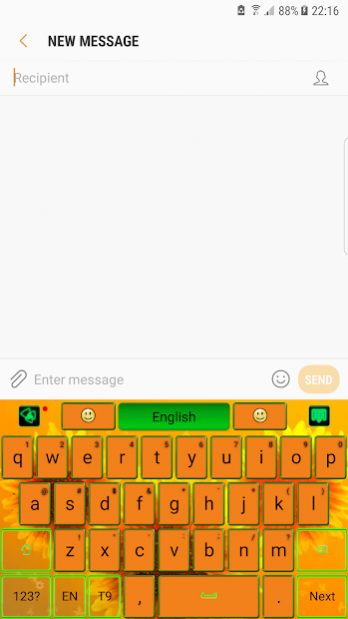
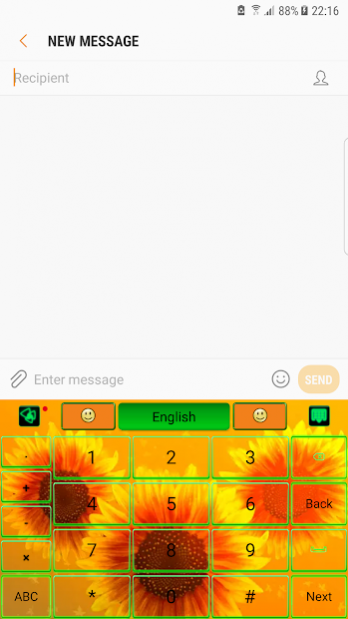
The essence of good taste and a colorful design bathed in glow sun rays, will transform your screen in irresistible gadget. 🌻
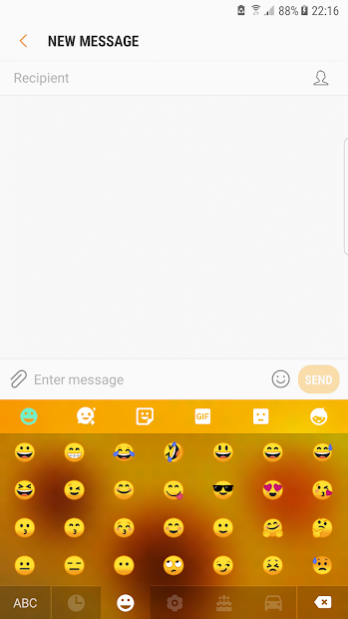
🌻 No chat without emoji😊! So expressive little smiley that helps you to tell more instantly are now on your keypad in a various forms and chic styles, ready to make the conversation more interactive.
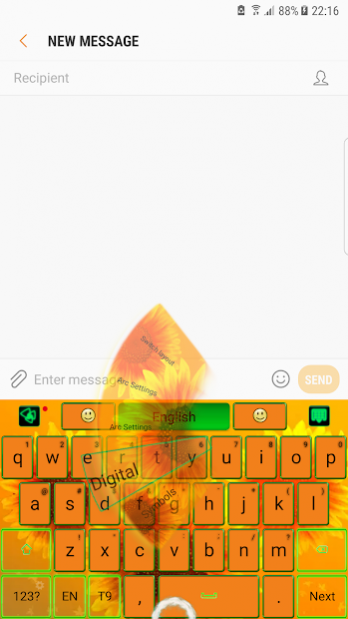
🌻 Also gesture input has a beautiful graphic effect and helps a lot to write better and faster, just swiping on the keyboard's surface.
Features:
★Voice Input
★Popular GIFs and Memes
★Customized Fonts
★Auto-correction
★Dynamic Typing Effect
🌻 In golden rays of the sun, this flower symbolize the infinite summer and the joy. Warm shades from colors of nature, orange and green, celebrate the glow of the summer.
🌻 Inspired by the rural side and the famous paintings and artworks, the theme is dedicated to those that want a background with happiness and warmth.
🌻 Download now the sunflower keyboard and wear the beauty of the summer. Nothing compares with with the mother nature and its beautiful flowers.
About Sunflower Keyboard 🌻
The company that develops Sunflower Keyboard 🌻 is Luna Themes. The latest version released by its developer is 1.0.
To install Sunflower Keyboard 🌻 on your Android device, just click the green Continue To App button above to start the installation process. The app is listed on our website since 2019-09-18 and was downloaded 3 times. We have already checked if the download link is safe, however for your own protection we recommend that you scan the downloaded app with your antivirus. Your antivirus may detect the Sunflower Keyboard 🌻 as malware as malware if the download link to com.jb.gokeyboard.theme.lunathemes.sunflower is broken.
How to install Sunflower Keyboard 🌻 on your Android device:
- Click on the Continue To App button on our website. This will redirect you to Google Play.
- Once the Sunflower Keyboard 🌻 is shown in the Google Play listing of your Android device, you can start its download and installation. Tap on the Install button located below the search bar and to the right of the app icon.
- A pop-up window with the permissions required by Sunflower Keyboard 🌻 will be shown. Click on Accept to continue the process.
- Sunflower Keyboard 🌻 will be downloaded onto your device, displaying a progress. Once the download completes, the installation will start and you'll get a notification after the installation is finished.
Program Details
System requirements
Download information
Pricing
Version History
version 1.0
posted on 2019-09-18
Small bug fixes
version 1.0
posted on 2019-08-26
New layout and style with GO Keyboard!
version 3.89
posted on 2017-06-12
design improvement
